So… What Exactly Are Order Types?
Imagine you walk into a restaurant and tell the waiter:
“Surprise me.”
You might get something amazing…
…or you might get the chef’s failed experiment of the day.
Trading works the same way.
If you don’t specify how you want to enter or exit the market, you’re basically letting the market “surprise you.”
Order types are your instructions — your way of telling the platform exactly how and when to execute your trade.
They matter because different situations require different tools, and knowing the correct order type keeps you from entering at terrible prices or missing good opportunities.
How Order Types Work
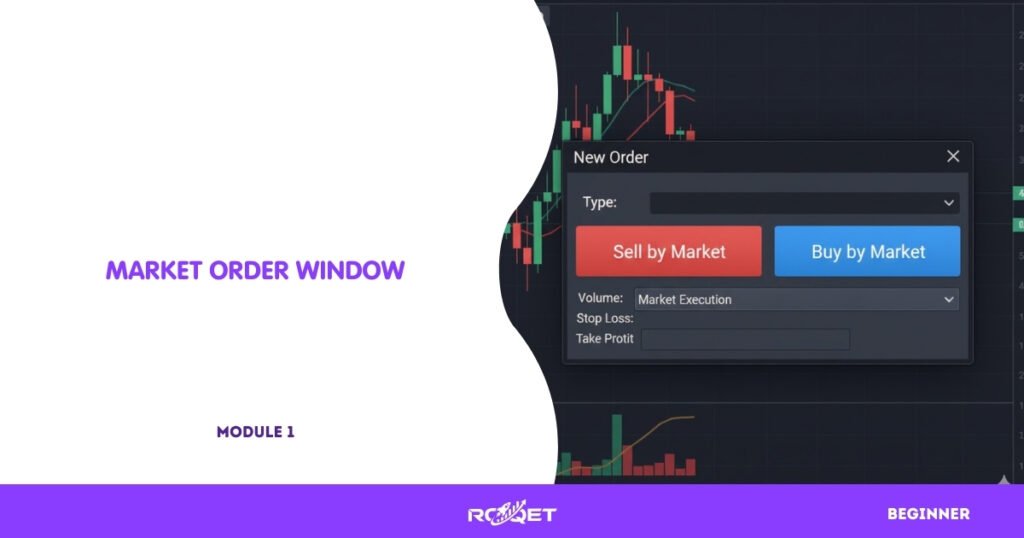
Market Orders — “Get Me In NOW”
A market order executes immediately at the best available price.
You use this when you want instant entry — no conditions, no waiting.
Great when speed matters.
Terrible if the market is moving fast and you’re not paying attention.
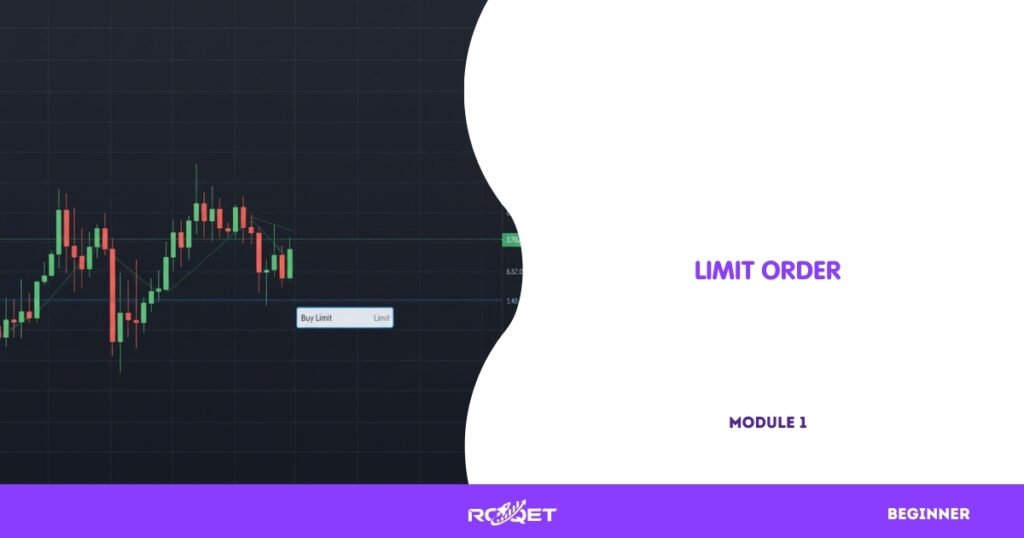
Limit Orders — “Get Me In at a Better Price”
A limit order tells the platform:
“Only fill me if the market reaches this price… or better.”
- Buy Limit: below current price
- Sell Limit: above current price
Limit orders help you enter at a discount instead of chasing the market like an excited puppy.
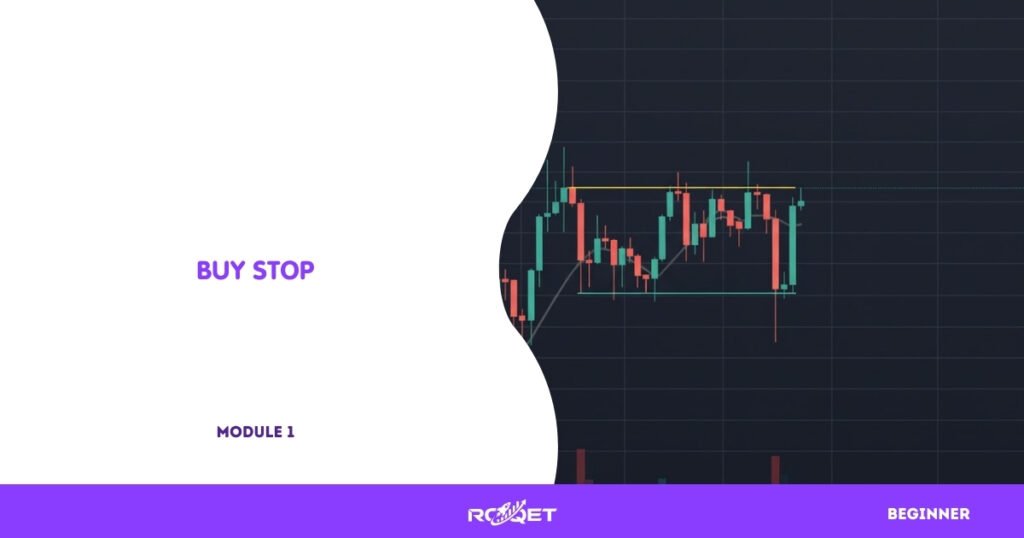
Stop Orders — “Get Me In When the Market Moves”
A stop order activates once the market reaches your chosen price.
- Buy Stop: above current price
- Sell Stop: below current price
These are for breakout-style entries or when you want confirmation before entering.
They are not stop losses — that’s a different tool entirely (not covered in this lesson).
Pending Orders Explained
Limit and stop orders together are called pending orders — orders waiting for a specific condition to trigger.
They allow you to plan ahead so you don’t need to stare at charts all day like a caffeinated astronaut.
Why This Matters in Real Trading
Pros
- You control exactly how and when you enter
- Reduces emotional decision-making
- Allows more efficient planning
- Helps avoid bad fills in volatile markets
Cons
- Wrong order type = wrong entry
- Pending orders can trigger unexpectedly in news spikes
- Market orders can fill at worse prices during volatility
Common Beginner Mistakes
- Confusing Buy Limit and Buy Stop
- Using market orders in fast markets
- Setting pending orders too close to price
- Forgetting to delete old pending orders
💡 Tip: If the order doesn’t make logical sense when you think, “Price must go here before it fills,” you probably picked the wrong type.
🤓 Did You Know?: Many professionals use limit orders more than market orders — they prefer to let price come to them.
Key Takeaways
- Order types are instructions telling the platform HOW you want to enter the market.
- Market orders fill instantly; limit orders wait for better prices; stop orders trigger when momentum pushes price to your level.
- Pending orders let you plan trades without watching the chart nonstop.
- Using the wrong order type leads to bad entries and unnecessary losses.
- Smart traders match the order type to the situation — not to their impulses.
Leave a Reply